
Date link vs. date offer vs. confirmed date – what’s the difference?
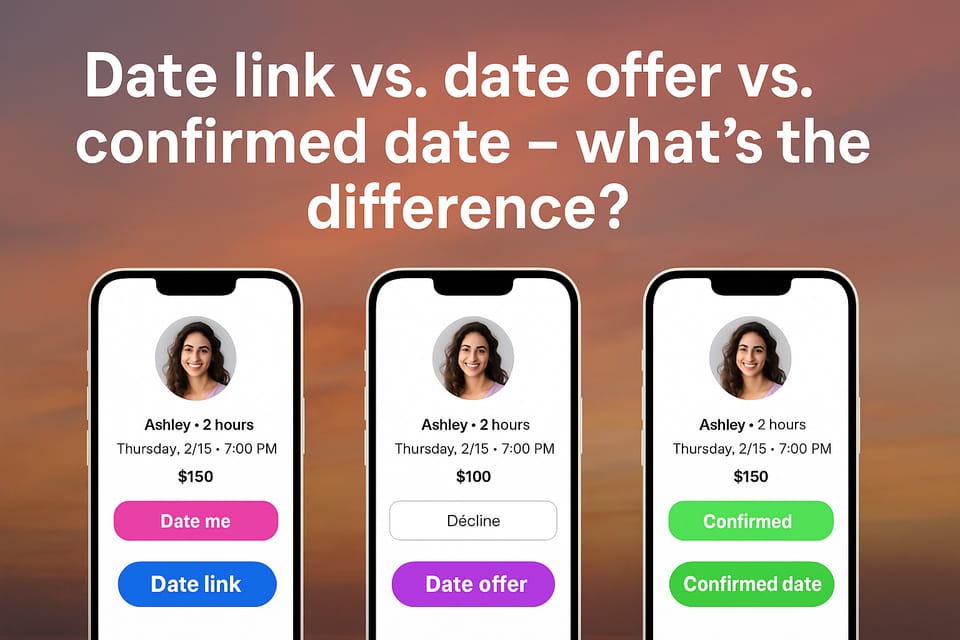
PayDate gives you a flexible system to connect, filter, and meet the right people.
But many new users ask: What’s the difference between a date link, a date offer, and a confirmed date?
Let’s break it down.
Jump to a section
What is a date link?
A date link is created by a user — either to get paid for a date or to invite someone and pay them.
You define:
- Price
- Time & location
- Date type (e.g. coffee, dinner, walk)
- Optional non-refundable fees (for cancellations or no-shows)
Once created, this link can be shared:
- In DMs (e.g. on Tinder, Instagram, X)
- On social media
- Or via QR code in real life
All PayDate links are private by default. That means only people with the direct link can access it — unless you choose to unlock it on your public profile.
What is a date offer?
A date offer is a response to a date link.
Whether someone sees your link — or you receive theirs — either side can:
- Click the link
- Review the date details
- Submit a custom offer (change time, price, etc.)
- Accept or decline any offer
Each time someone submits or updates an offer, the other person gets notified.
You can go back and forth — negotiating privately — until both sides agree.
???? This entire process is private and protected.
Only the two people involved can view and edit the negotiation.
What is a confirmed date?
Once both sides agree on the terms, the date becomes confirmed.
Here’s what happens:
- The date details are locked in
- Any optional fees (e.g. cancellation or no-show fee) are activated
- A shared overview of the date is shown in each user's account
If the date is prepaid:
- The full amount is securely held in the system (not released yet)
- The person who paid can release the funds after the date with one tap
- If anything goes wrong (e.g. no-show), each side can react with one tap — and the payout may be adjusted
⚠️ We strongly recommend prepaid dates
Prepaid = real intent, protection, and peace of mind for both sides.
While cash is possible, it’s limited and not protected by the platform.
Summary
✔️ Date link = create one to receive or send offers
✔️ Date offer = respond to a link, suggest changes, or accept/decline
✔️ Confirmed date = both agree, and the system tracks everything
✔️ Prepaid = full protection, less risk, more serious outcomes
✔️ You stay in full control — every step of the way
✅ Want to test it yourself?
Create a PayDate link and try sending (or receiving) a real offer today.