
5 creative examples from real users and how they use links
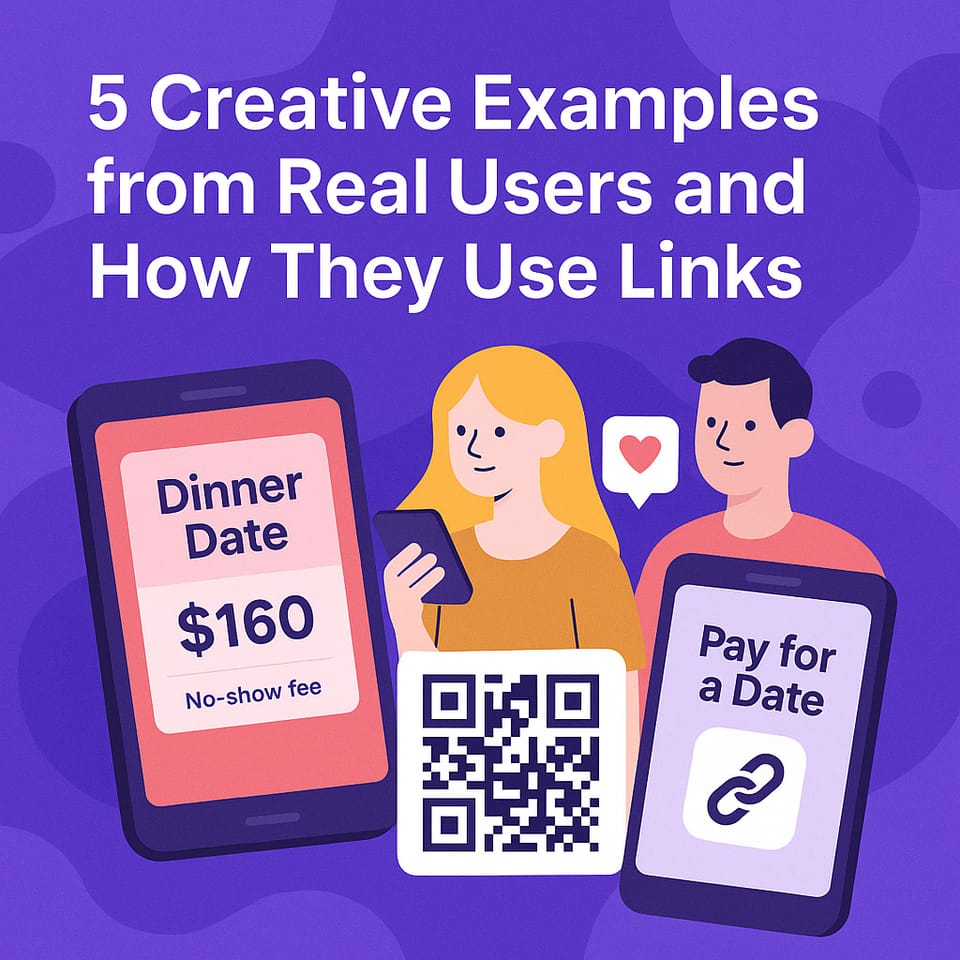
From flirty dinners to fan meetups — your PayDate link works everywhere.
Jump to section
- The dinner offer with a twist
- The bio link that filters DMs
- The story post that turns fans into real dates
- The “QR code at a party” move
- The general link for open invitations
- Bonus: Paying to meet someone you admire
- Summary
The dinner offer with a twist
A creator traveling through Paris posted:
“I have one night in town — dinner only if you can handle conversation. Here's the link.”
She set the price at $160, added a fallback fee for no-shows, and received four serious prepaid offers.
Result? She picked one.
The rest were politely declined — no drama, no back-and-forth, no wasted time.
Everyone saw the answer, felt respected, and could always submit again in the future.
The bio link that filters DMs
One male creator simply added his PayDate link to his Instagram bio with the text:
“Don’t message me. Send an offer if you’re serious.”
Instead of endless chat, people who clicked were guided straight to a structured date offer — location, time, and price already set.
He avoided flaky DMs and received only high-intent offers.
The story post that turns fans into real dates
A fashion creator posted:
“I’m in Milan this weekend. Wanna grab a drink or dinner? My link’s in bio. Serious only ✨”
Within 24 hours, she got seven prepaid offers from verified fans.
She didn’t have to answer a single message.
One post — and the offers came to her.
The “QR code at a party” move
Yes, it really happened.
One user printed their PayDate link as a QR code and saved it to their phone’s lock screen.
At a party, when someone asked “Wanna hang out later?”, they held up the code and said:
“Here’s my link.”
It created instant curiosity, filtered unserious energy, and led to an actual confirmed meetup — prepaid and protected.
The general link for open invitations
Some creators prefer not to set a fixed time or place.
Instead, they create a general link like:
“Dinner offers welcome — Europe-based, flexible. Serious people only please.”
This type of link lets fans or followers submit their own suggestions, but only if they preload their wallet.
It protects the creator's time while still offering flexibility.
Bonus: Paying to meet someone you admire
He followed her for months — then made a clear offer
A user had been following a creator on Instagram for a while. One day, she posted a general PayDate link in her story:
"In NYC this week — open to dinner offers. Serious only."
He didn’t send a DM. He clicked the link, entered $250 for a 2-hour dinner, added a fallback fee, and left a note:
“No pressure. Just dinner — and respect.”
She accepted. The date happened. No weird vibes, no confusion. Just clarity from the start.
The QR code icebreaker — bold, but clean
At a startup networking event, a user wanted to meet someone he found interesting — without being awkward. So he created a prepaid dinner offer on PayDate and printed the QR code to his offer on a card.
When the moment felt right, he handed it to her and said:
“No pressure — just something clear and upfront.”
She scanned it. The offer was already there: time, place, price, fallback fee — all prepaid.
She accepted. The date was confirmed in seconds.
Summary
- You can share your PayDate link anywhere: bios, stories, DMs, QR codes
- Creators use it to receive only real, prepaid offers
- Fans use it to respectfully approach someone they admire — with full transparency
- Offers can be open-ended or fixed — it's your structure
- The system handles everything else: timing, funds, protection
One link. Unlimited possibilities.
Whether you're sharing your link to get offers — or using it to send one to someone you admire — PayDate makes the process clear, protected, and real.
✅ Start now at pay.date
The right people will know you're serious — because you show it.